WIP Launch · Engineering project
From Code to Production: launch your application safely
WIP Launch puts your application into production the professional way: domain and HTTPS configured, a deployment pipeline, separate environments, secrets kept out of the code, backups with tested restores, and documentation for running it. It's for people who built a product with AI, no-code tools, or their own code and now need a reliable production environment.
Updated on
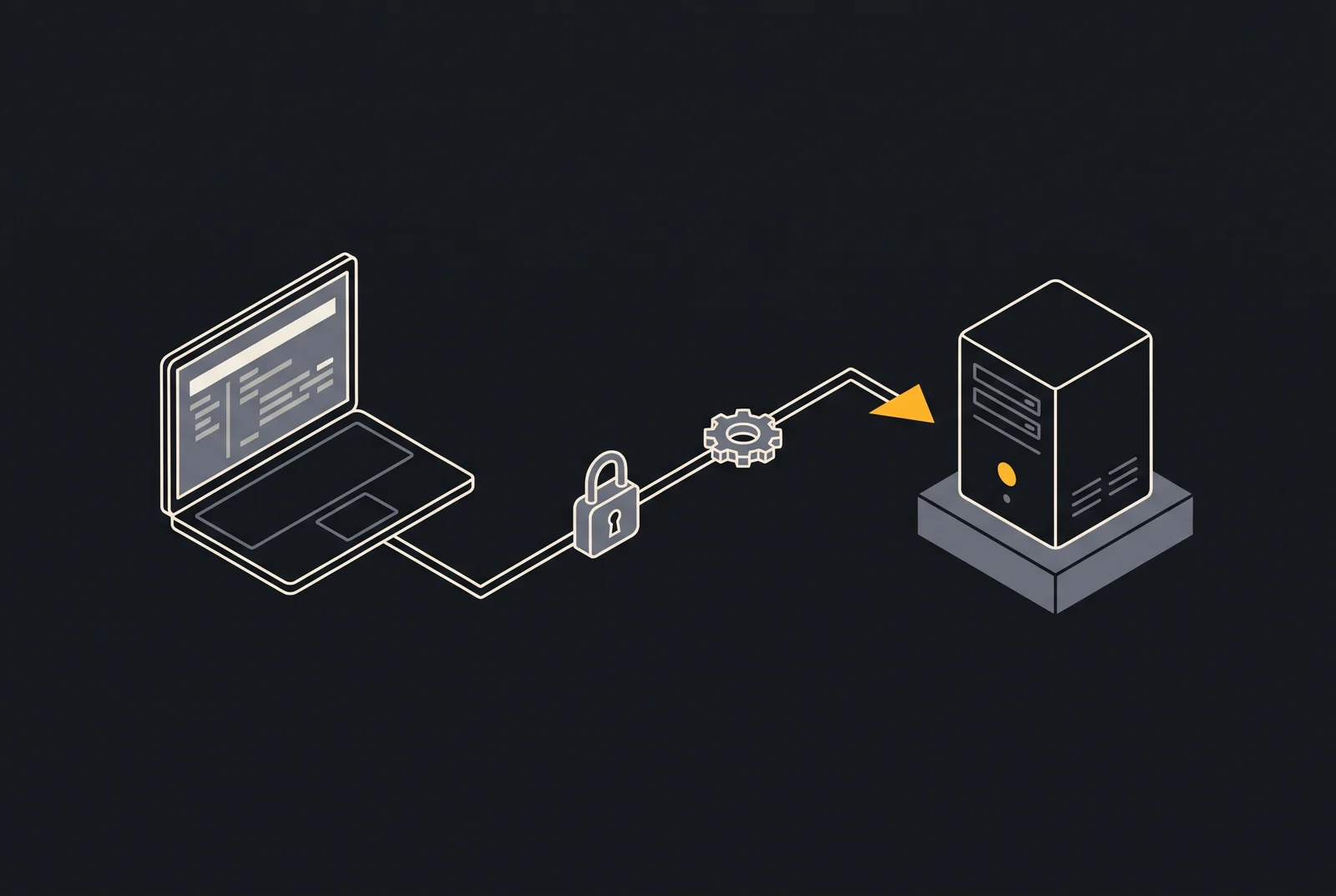
What changes between running on your computer and running in production?
In production, software has to work for people you don’t know, at any hour, with data that can’t be lost. On the developer’s computer, it only has to work for one person, with test data, while someone is watching.
That difference shows up in questions a prototype never has to answer:
| On your computer | In production |
|---|---|
| Passwords and keys in a local file | Secrets stored outside the code, with restricted access |
| A test database that can be wiped | Real data, with automatic backups and tested restores |
| A local address | Your own domain, HTTPS, and email that gets delivered |
| Deploying means copying files | Repeatable deployment, with a way back |
| Errors show up on the tester’s screen | Errors need to alert someone |
| Zero cost | A monthly bill that has to be planned for |
None of these items depends on the tool used to build the software. They apply whether you wrote the code by hand, used no-code tools, or built with AI assistants such as Claude Code, Codex, Cursor, Lovable, or Bolt.
WIP Launch works through this list and documents it, so your application starts its life in production on the right foundation. If you want to check on your own, the From Code to Production checklist lists each item with how to verify it.
How does a production launch project work?
The project goes through five stages: understanding the application, choosing where it will run, setting up the environment, automating deployment, and handing over the documentation. Scope and price are agreed before the first stage.
- Understand the application. We review the code, dependencies, database, and integrations, such as payments and email sending. This is where the risks that must be solved before launch show up, such as a key exposed in the code.
- Choose the infrastructure. The recommendation takes into account actual needs, budget, and who will operate the system. It might be a simple virtual private server (VPS), Cloudflare, AWS, Google Cloud, Azure, or a combination, always with an estimate of the monthly cost.
- Set up the environment. Domain, HTTPS with automatic renewal, separate environments, secrets kept out of the code, access kept to a minimum, and automatic backups with a restore test.
- Automate deployment. A repeatable process for releasing new versions and a tested path back to the previous one.
- Document and hand over. You receive the operations documentation: how to deploy, how to roll back, where the logs are, and what to do if something goes wrong.
We recommend keeping the domain, cloud accounts, and repository in your name. That way, what was built stays yours, with or without WIP.
What do you need before you start?
You need the application’s code and access to the accounts that already exist, such as the domain, the repository, and integrated services. You don’t need to know anything about infrastructure: technical decisions are explained in plain language, with the cost and the reason for each one.
For the first conversation, it helps to gather:
- Where the code lives: a repository (GitHub, GitLab, or similar), a project on a no-code platform, or files on your computer.
- What the application uses: database, login, payments, email sending, file storage, AI APIs.
- Domain: whether it is already registered, and with which registrar.
- Expected usage: how many people should be using it at first, and whether there is a launch on a set date.
- Monthly infrastructure budget: even a rough range helps choose the right option.
If the application was built on a platform that also hosts it, the first decision is whether it stays there or moves to an environment of its own. Both options can make sense, and comparing cost, control, and risk is part of the project.
If you are not sure yet whether your software is ready to launch, WIP Check answers that question before any setup work.
What does WIP Launch deliver?
- Domain and HTTPS configured, with automatic certificate renewal.
- A repeatable deployment pipeline, with a rollback path to the previous version.
- Separate production and testing environments, as defined in the scope.
- Secure configuration: secrets kept out of the code and access limited to the minimum permissions needed.
- Automatic backups, with a restore test.
- Operations documentation: how to deploy, how to roll back, and where the logs are.
Who is WIP Launch for?
- Creators who built their product with AI, no-code tools, or their own code and are about to get their first users.
- Startups that need to move from a prototype to a reliable production environment.
- Developers and software agencies that would rather hand off infrastructure to a specialized partner.
What is not included in WIP Launch?
- Developing new features or fixing the application's business rules.
- Hosting, domain, licenses, and third-party services, which are kept separate from WIP's fees.
- Ongoing monitoring, updates, and alert response after delivery, available through WIP Care.
How much does WIP Launch cost?
WIP Launch starts at US$ 470. Reference price. The final price depends on the environments, integrations, and services involved and is agreed before work starts. Hosting, domain, licenses, and third-party services are paid for separately.
Frequently asked questions about WIP Launch
How much does it cost to put software into production?
WIP Launch has a reference price starting at US$ 470 per project. The final price depends on the number of environments, integrations, and services involved and is agreed before work starts. Hosting, domain, licenses, and third-party services are charged separately.
My software was built with AI. Does WIP work with that?
Yes, and that is one of WIP Launch's main audiences. Before launch, we review secrets in the code, database access rules, and settings that may have been left in development mode, whether the project was built with Claude Code, Codex, Cursor, Lovable, Bolt, or another tool.
Which provider will host the application?
It depends on your needs and budget. WIP is vendor-independent and may recommend a simple virtual private server (VPS), Cloudflare, AWS, Google Cloud, Azure, or a combination. The recommendation comes with the reasoning behind it and an estimate of the monthly cost.
Will the infrastructure accounts be in my name?
WIP recommends that the domain, cloud accounts, and repository be in the client's name, with access granted to the technical team. That way you keep control of what is yours, with or without WIP.
What happens after the system goes live?
Delivery includes documentation so your team can run the system. If you prefer ongoing support, with monitoring, backup checks, and updates, WIP Care takes over that monthly routine.
Related services
Technical diagnosis
WIP Check
You don't know if your system is secure, if your backups work, or where to start improving it.
starting at US$ 150
Maintenance and monitoring
WIP Care
The system is live, but nobody keeps regular track of backups, updates, and alerts.
starting at US$ 185 per month
Preparing for growth
WIP Scale
A campaign, a big client, or a launch is coming, and you don't know if your system can handle it.
quoted after assessment
Start with a diagnosis
Before investing in changes, understand the risks, bottlenecks and waste in your system. WIP Check delivers an executive report and a prioritized action plan.