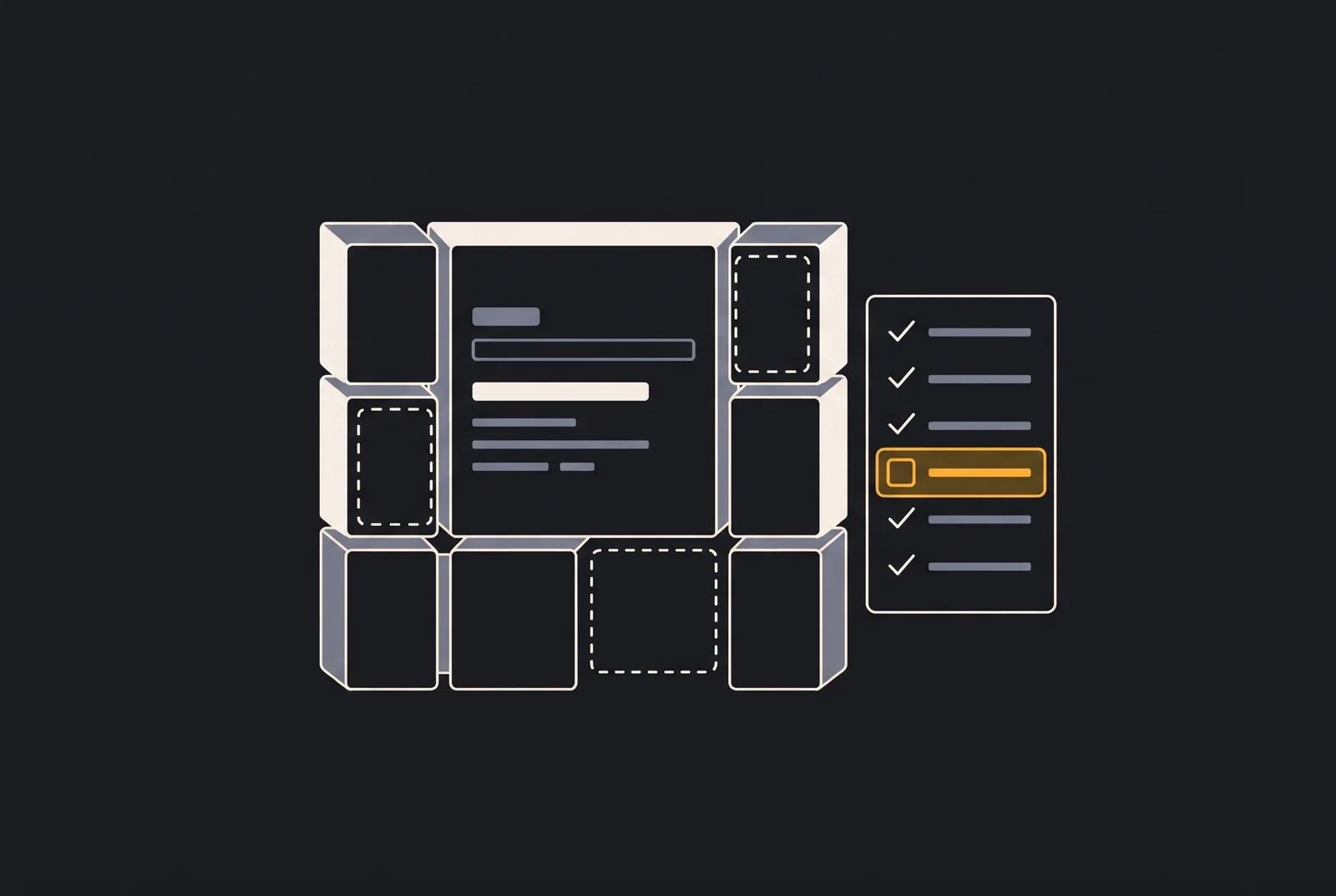
To take AI-built software to production, treat it like any software that is about to serve real users: get the secrets out of the code, protect the database with a tested backup, set up the domain, HTTPS and email, automate deploys with a way back, monitor what matters and keep costs under control. The tool that generated the code barely changes this list; what changes is how much of it has already been done.
This guide is for people who built a product with Claude Code, Codex, Cursor, Lovable, Bolt or similar tools and have no background in running systems in production. Each section says what to do and how to check it.
What changes between “it works on my machine” and production?
On your computer, the software serves one person, with test data, and if something goes wrong you restart it. In production, it serves people you don’t know, at any hour, with data that can’t be lost, and every error has a cost.
AI assistants build what you ask for. If no one asked for tested backups, downtime alerts or a spending cap, those parts probably don’t exist. Three differences matter most:
- Real data: from the first sign-up, you are responsible for other people’s data, including under the data protection laws that apply to you.
- Availability: people who use the system expect it to work, and you need to know when it doesn’t.
- Cost: every service charges for usage, and a mistake can turn into a bill.
How should you handle secrets and environment variables?
Keep secrets out of the code, the repository and the browser. Secrets are the passwords, API keys and tokens that give access to services: database, payments, email, AI models.
- Use environment variables. The code reads the value from the environment (for example,
process.env.DATABASE_URL), and the value is configured in your hosting provider or in a secrets manager. On your computer, use a.envfile listed in.gitignore. - Separate public keys from private keys. Some keys are meant for the browser, such as a payment provider’s publishable key. Private keys, such as one with full access to the database, must exist only on the server. If the browser accesses the database directly, check that row-level security rules are enabled on every table.
- Look for leaks. Tools like gitleaks scan the entire repository, including its history. Also open the site with your browser’s developer tools and look for keys in the JavaScript files.
- Replace anything that leaked. Deleting the key from the code isn’t enough: it stays in the history and may already have been copied. Generate a new one and revoke the old one.
How do you protect the database and test your backups?
Protecting the database takes three things: restricted access, automatic backups and tested restores. The database holds what can’t be recreated: user accounts, orders, user content.
- Restricted access: the database should not accept connections from anywhere on the internet, only from the application.
- Automatic backups: at a frequency that matches how much data you can afford to lose.
- A copy outside the main environment: if the backup lives on the same server or in the same account, a mistake or a breach takes out both at once.
- Files uploaded by users: images and documents usually live outside the database and need their own backup.
Then test the restore. Restore the most recent backup to a separate environment, open the application with the restored data and write down how long it took. A backup that has never been restored is a hypothesis: the test uncovers incomplete copies, lost passwords and forgotten steps before an emergency does. Repeat the test from time to time and whenever the database structure changes.
How do you set up the domain, HTTPS and email?
Register the domain in your name, use HTTPS everywhere and authenticate your email. The domain is the address of your product and, often, of your email: losing the domain takes down both.
- Register it in your name, with auto-renewal and a contact email you actually read. Turn on two-factor authentication at the registrar.
- Use HTTPS everywhere: the certificate should renew on its own, and every
http://request should redirect tohttps://. - Authenticate your email: set up SPF, DKIM and DMARC in your DNS for every service that sends email from your domain. Without them, sign-up and password reset emails may land in spam, and it becomes easier for someone to impersonate your brand.
How do you make deploys repeatable and reversible?
A deploy, the act of publishing a new version, must be repeatable: always done the same way, through an automated and versioned process, not through commands typed from memory.
- Automate: use a pipeline (for example, in GitHub Actions) or your provider’s built-in deploy, triggered from the repository.
- Separate environments: test in an environment other than production, with its own database and keys.
- Have a way back: know how to return to the previous version with one command or one click, and test it before you need it.
- Take care of the database: changes to the database structure are the hard part of rolling back. Make them through versioned migrations and, ideally, keep them compatible with the previous version of the code.
What monitoring and alerts do you need?
At minimum, you need an external monitor that checks the site and the API periodically and sends an alert when they stop responding. Monitoring means knowing something went wrong before a customer tells you.
Then add:
- error tracking, which records each failure with context (page, version and message);
- logs stored off the server, so you can investigate what happened yesterday;
- expiration alerts for the certificate and the domain.
The alert has to reach a person, through a channel they actually watch. An alert that lands in a forgotten inbox is the same as having no alert.
How do you keep costs predictable?
Three habits keep costs predictable: budget alerts, usage limits and a monthly review of the bill. In production, every service charges for usage: hosting, database, storage, email and, in many AI-built products, calls to language models.
- Budget alerts in every provider, set below the amount that would hurt to pay.
- Usage limits on the most expensive APIs, especially AI ones, plus a per-user request limit, so a bot or a bug stuck in a loop can’t run up an unexpected bill.
- A monthly review of the bill, looking for resources nobody uses.
Choose infrastructure based on the actual size of the product. A simple VPS may be enough at first; managed services cost more but require less operational work. The best option depends on your case, not on a general rule.
When should you ask for help?
Ask for help when what’s at stake is bigger than your ability to check it on your own. Some signs:
- you’re about to accept payments or collect sensitive data and aren’t sure the access rules are right;
- there’s a launch or a campaign with a fixed date;
- you can’t say where the backup is or when it was last restored;
- the system has already gone down and you found out from your users;
- your infrastructure bill went up and you don’t know why.
To check things yourself, use the From Code to Production checklist, which lists every item along with how to verify it. If you’d rather have someone do it for you, WIP Launch puts the application into production with a domain, HTTPS, automated deploys, separate environments, secure configuration, tested backups and documentation. And if you first want to know how big the problem is, WIP Check runs a technical diagnosis before any changes are made.
Frequently asked questions
Is AI-built software safe to put into production?
It can be, as long as it passes the same checks as any other software: secrets kept out of the code, data access rules, a tested backup, deploys with a way back and monitoring. The tool that generated the code matters less than these checks.
Where should I store my app’s API keys?
In environment variables set in your hosting provider or in a secrets manager, never in the code, the repository or the browser. On your computer, use a .env file that stays out of the repository. If a key has leaked, generate a new one and revoke the old one.
How do I know if my backup works?
By restoring it. Restore the most recent backup to a separate environment, check that the application works with the restored data and write down how long it took. Repeat the test regularly and whenever the database structure changes.
Do I need an expensive server to launch my app?
Not necessarily. A simple VPS or a basic hosting plan may be enough at first. More important than the size of the server is having a budget alert, usage limits on the most expensive APIs and a monthly review of the bill.
When to call WIP
Deploy to production
WIP Launch
Your software works on your computer, but you don't know how to launch it safely and without surprises.
starting at US$ 470
Technical diagnosis
WIP Check
You don't know if your system is secure, if your backups work, or where to start improving it.
starting at US$ 150
Start with a diagnosis
Before investing in changes, understand the risks, bottlenecks and waste in your system. WIP Check delivers an executive report and a prioritized action plan.